Looking for something to try? Top This Week shows what's popular now, Latest shows new shortcuts, and Recently Updated shows fresh versions from creators. Search when you already have a name or idea in mind.
Get to know a shortcut
Open a listing for its description, screenshots, version, and conversation. The creator's notes and comments can answer questions before you try it.
Explore a creator's work
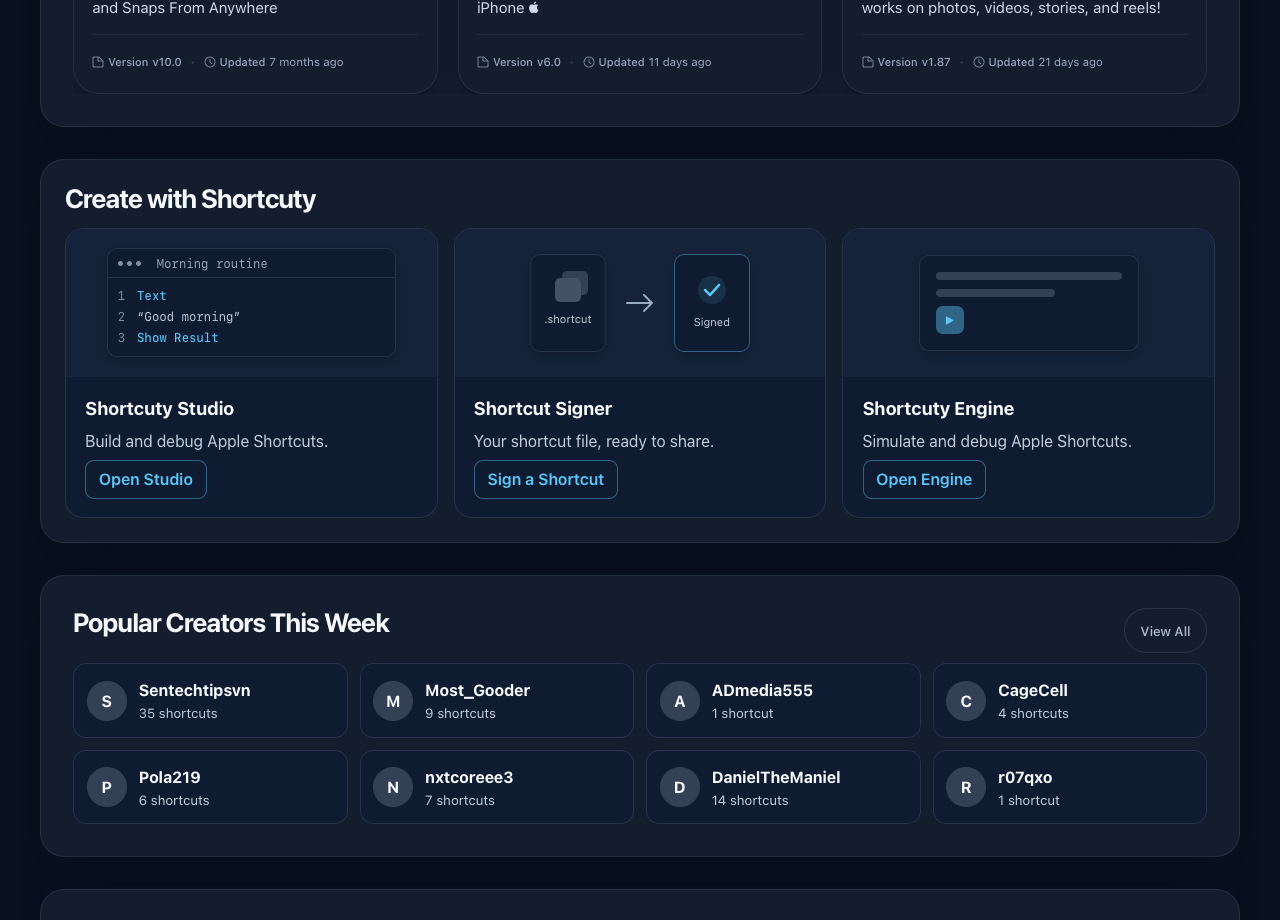
Popular Creators This Week sits below the creation tools on the homepage. Open a creator card to see their shortcuts and a calendar of what they've posted over the past year. Tap a day to see its date and post count.
Make something of your own
The Create with Shortcuty cards take you to Studio to build a shortcut, Signer to sign an unsigned .shortcut file, and Engine to try a browser simulation from a public shortcut link.
Comment threads are easier to read on a phone, and screenshot thumbnails have cleaner framing.
Update, October 7: Read in your language
Browse now translates shortcut descriptions, what's new notes, comments, replies, creator bios, and shortcut cards into your chosen language. Shortcuty supports 13 languages. Older content is being added gradually, with the original text shown until a translation is ready.
Your language choice follows you between Browse and the app when you use the same account. We've also improved the language selector and search.