
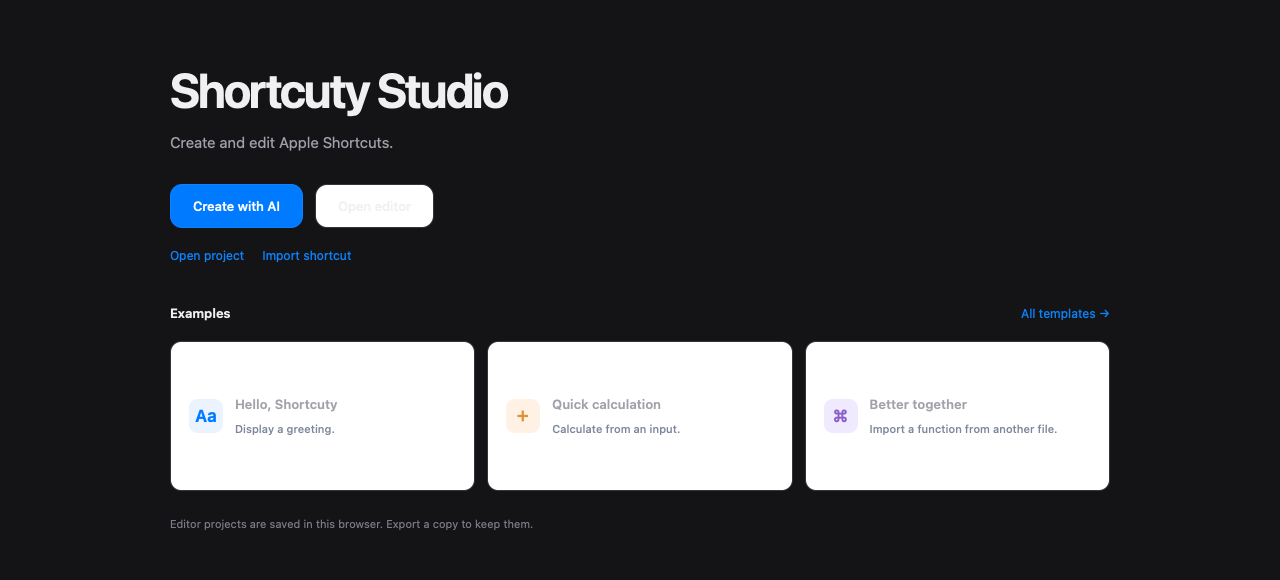
Open the Hello, Shortcuty example, change its greeting, then select Check and Build. The panel on the right shows the Apple Shortcuts actions Studio made from your source. Download the signed .shortcut file to try it on your device.
See what you're building
Check points out errors and warnings. Build shows the action order and any iOS or device requirements. When you want to follow the logic step by step, Debug lets you inspect variables and pause at breakpoints in a browser simulation.
Make it yours
Give the shortcut a name, icon, and color in Shortcut details. Set where it appears and what input it accepts, then build again to include those choices.
Start from an existing shortcut
Import a public iCloud or Shortcuty link to edit an existing shortcut. You can also start with an AI draft using your own OpenAI, Claude, or Gemini API key; your provider may charge for generation.
Projects save in your browser. Export a .shortcutystudio backup to keep the editable project, and download a signed .shortcut file when you're ready to open it in Apple Shortcuts. Try the finished shortcut on the device where you'll use it.